
There's a common misconception about custom software: that it means ripping out everything you currently use and starting from scratch. In reality, the most successful custom software projects do the opposite—they connect and enhance the tools you already rely on.
The Key Insight: Your accounting system, CRM, and other business tools are excellent at what they do. The goal isn't to replace them—it's to connect them so they work together seamlessly.
This guide will show you how custom software can integrate with your existing systems, what's involved in making those connections, and the real benefits you can expect.
The Integration Mindset
Think of your business systems as specialists. Xero or MYOB are experts at accounting. Your CRM knows customers. Your inventory system tracks stock. Each does its job well—but they don't naturally communicate with each other.
Custom software can act as the translator and coordinator—the piece that connects these specialists and lets them work as a team. Instead of replacing your accounting system, custom software can automatically send it the information it needs. Instead of duplicating your CRM, it can read and write customer data directly.
❌ The Old Approach
- • Replace everything with one monolithic system
- • Fight with software that tries to do too much
- • Lose specialised functionality you relied on
- • Massive disruption and retraining
✓ The Integration Approach
- • Keep tools that work well for you
- • Add custom software for your unique needs
- • Connect everything so data flows automatically
- • Incremental improvement, minimal disruption
Common Integration Scenarios
What does integration actually look like in practice? Here are some of the most common scenarios we implement for Australian businesses:
Automatic Invoicing to Xero/MYOB
When a job is completed in your custom system—whether that's a service delivery app, job management tool, or order processing system—the invoice is automatically created in your accounting software. No manual entry, no delays, no forgotten invoices.
Customer Record Synchronisation
Keep customer information consistent across all your systems. When a customer updates their address in your CRM, it flows through to your custom app. When a new customer is added in your booking system, they appear in your CRM automatically.
Financial Data in Custom Dashboards
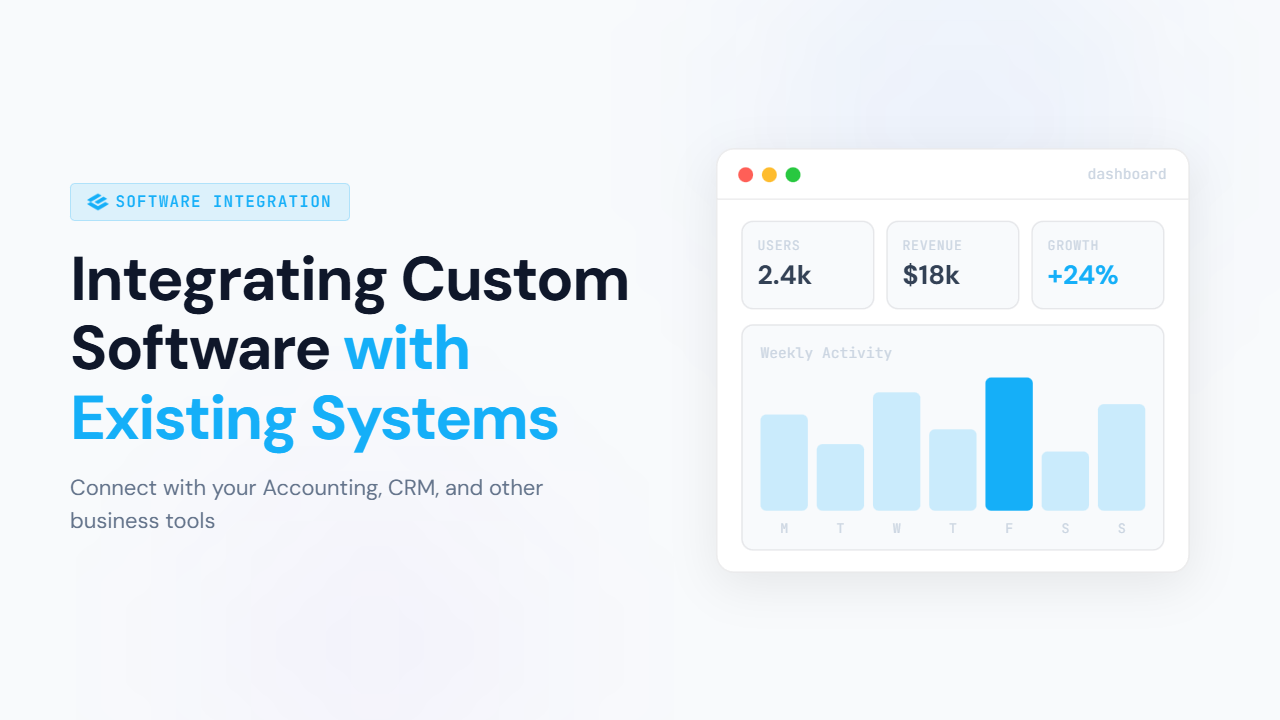
Pull financial data from Xero or MYOB into custom dashboards that combine it with operational data. See revenue alongside job completion rates. Compare costs against production metrics. Get the full picture in one place.
Eliminating Double-Entry
If your staff are typing the same information into multiple systems, that's a prime integration opportunity. Enter data once, and let it flow to everywhere it needs to be.
How Modern Integrations Work
You don't need to understand the technical details, but having a basic grasp of how integrations work helps you ask the right questions and set realistic expectations.
APIs: The Language Systems Speak
An API (Application Programming Interface) is simply a way for software systems to talk to each other. Think of it like a menu at a restaurant—it lists what you can ask for and how to ask for it.
When Xero provides an API, they're saying: "Here are the things you can do with our system programmatically—create invoices, read customer data, update payments—and here's exactly how to request each one."
Most modern business software—including Xero, MYOB, Salesforce, HubSpot, Shopify, and hundreds of others—provides APIs specifically so custom software can integrate with them.
Real-Time Sync
Changes happen instantly. The moment something updates in one system, it's reflected in the other.
Best for:
- • Customer-facing processes
- • Inventory levels
- • Time-sensitive operations
Scheduled Updates
Data syncs at regular intervals—every hour, daily, or at specific times you choose.
Best for:
- • Reporting and analytics
- • Batch processes
- • Non-urgent updates
What Popular Platforms Offer
Xero
Comprehensive API for invoices, contacts, payments, bank transactions, reports, and more. Well-documented and developer-friendly. Supports real-time webhooks.
MYOB
API access to accounts, contacts, invoices, orders, inventory, and payroll. Both cloud and desktop versions have integration options.
Salesforce / HubSpot
Extensive APIs for contacts, deals, activities, and custom objects. Powerful webhook support for real-time integration.
Shopify / WooCommerce
Full access to products, orders, customers, and inventory. Webhooks for instant order notifications and stock updates.
What to Consider Before Integrating
Integrations are powerful, but they need to be planned thoughtfully. Here are the key considerations:
Which System Is the Source of Truth?
For each type of data, one system should be the authoritative source. If customer addresses can be edited in three different places, which one wins? This needs to be decided upfront.
Common pattern: Your CRM is the source of truth for customer details. Your accounting system is the source of truth for financial transactions. Your custom app is the source of truth for operational data specific to your business.
Handling Edge Cases and Errors
What happens when something goes wrong? The invoice format isn't accepted by Xero. The customer doesn't exist in the CRM. The API is temporarily unavailable. Good integrations handle these scenarios gracefully.
What to expect: Error queues for failed transactions, automatic retries, clear notifications when human intervention is needed, and logging for troubleshooting.
Security and Access Permissions
Integrations need access to your systems—but only the minimum necessary access. The integration that creates invoices in Xero shouldn't have permission to delete your entire chart of accounts.
Best practice: Use dedicated integration users with limited permissions. Review and audit access regularly. Ensure credentials are stored securely.
Ongoing Maintenance
APIs evolve. Xero might update their API, MYOB might deprecate a feature, your CRM might add new required fields. Integrations need occasional updates to keep working smoothly.
Plan for: Regular monitoring to catch issues early. A maintenance agreement with your development partner. Budget for occasional updates as connected systems evolve.
The Payoff: What Integration Delivers
When your systems work together, the benefits compound across your entire operation:
Time Saved
The hours your team spends on manual data entry, copying between systems, and reconciling discrepancies—that time is given back.
"We used to spend half a day each week just transferring orders to our accounting system. Now it happens automatically."
Fewer Errors
Manual data entry means typos, transposed numbers, and forgotten updates. Automated integration means consistent, accurate data every time.
"We eliminated the monthly ritual of hunting down why the numbers didn't match between systems."
Better Visibility
When data flows freely between systems, you can see your whole business in one place. Make decisions based on complete, current information.
"For the first time, I can see how operational decisions affect our finances in real-time."
Higher-Value Work
Your team members stop being data-entry clerks and start doing work that actually uses their skills and judgement.
"Our admin person now spends time on customer relationships instead of copying data between spreadsheets."
The Compound Effect
These benefits don't exist in isolation—they multiply each other. Time saved means fewer errors because rushed work decreases. Better visibility leads to better decisions. Staff on higher-value work are more engaged and productive. The ROI of integration often exceeds expectations because of these compounding effects.
Getting Started
If you're manually moving data between systems, reconciling discrepancies, or wishing your tools would just talk to each other—integration might be exactly what you need. And it's often more achievable than you think.
Ready to Connect Your Systems?
We've built integrations with Xero, MYOB, and dozens of other platforms for Adelaide businesses. Let's discuss what's possible for your specific situation.
Let's Talk IntegrationAt Expeed Technology, we believe the best solutions work with what you have—not against it. Whether you need a simple connection between two systems or a comprehensive integration across your entire tech stack, we can help you get your tools working together. If the "system" on one side is a spreadsheet, read our guide to migrating from Excel to custom software, or see how we approach business process automation end to end.